
Download Argente Uninstall Manager – Robust PC Cleanup, Complete Uninstallation, System Optimization
Overview
Argente Uninstall Manager is a specialized utility designed to streamline the management and removal of installed applications on Windows-based systems. It serves as a comprehensive alternative to the default Windows uninstaller, offering enhanced visibility and control over all software present on a device. The app is particularly useful for users seeking to reclaim disk space, improve system performance, and eliminate potentially unwanted programs such as spyware and adware. By presenting a detailed list of installed applications, Argente Uninstall Manager helps users identify software that may be running in the background without their knowledge or consent. The tool targets a broad audience, including everyday users, power users, and IT professionals who require a reliable method for system maintenance. It is especially beneficial for individuals managing older or resource-constrained systems where leftover registry entries and unused programs can significantly degrade performance. Real-world use cases include preparing a computer for resale, cleaning up after software trials, or resolving system slowdowns linked to bloated installations. In the broader app ecosystem, Argente Uninstall Manager fills a niche by providing a more thorough and user-centric uninstallation experience than the standard Windows tool. The developer did not provide additional technical details about the development background or company history.Key Features & Functionality
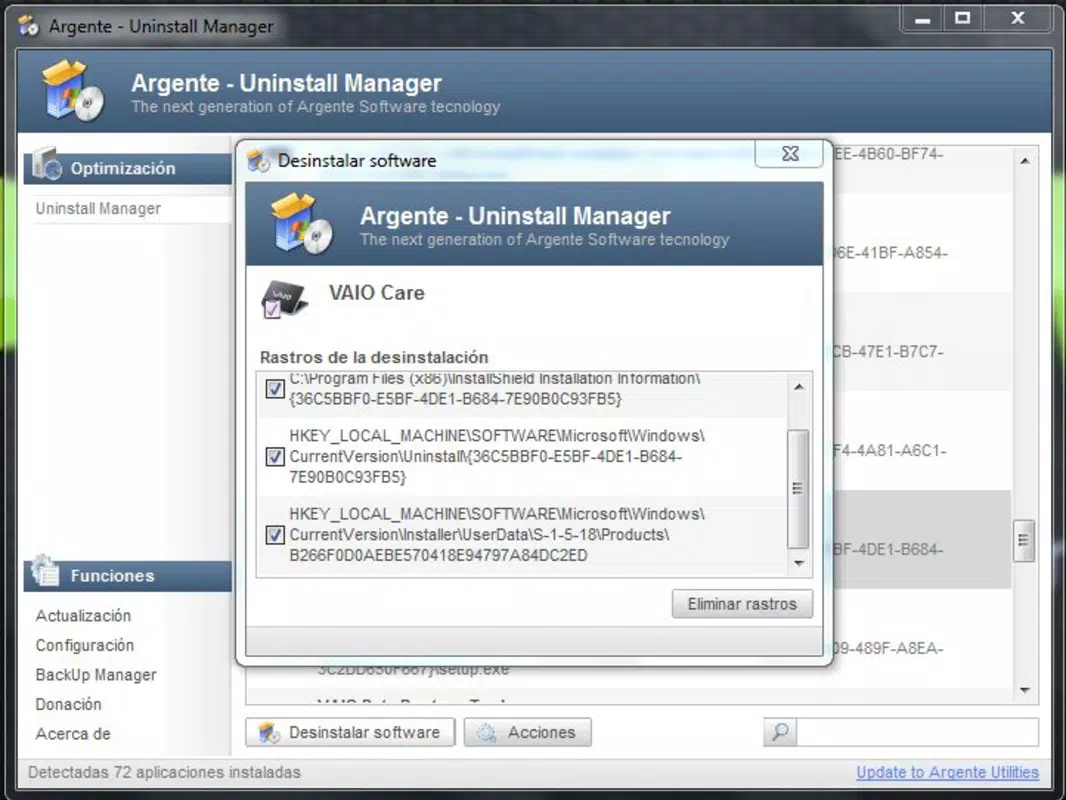
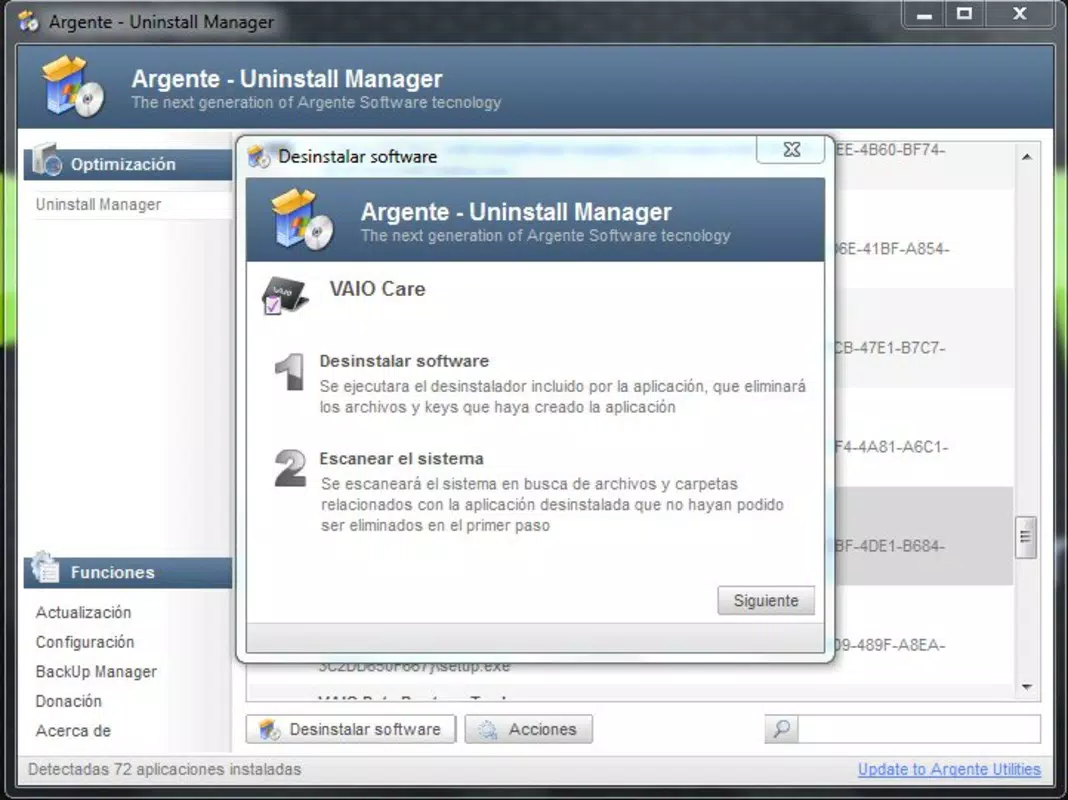
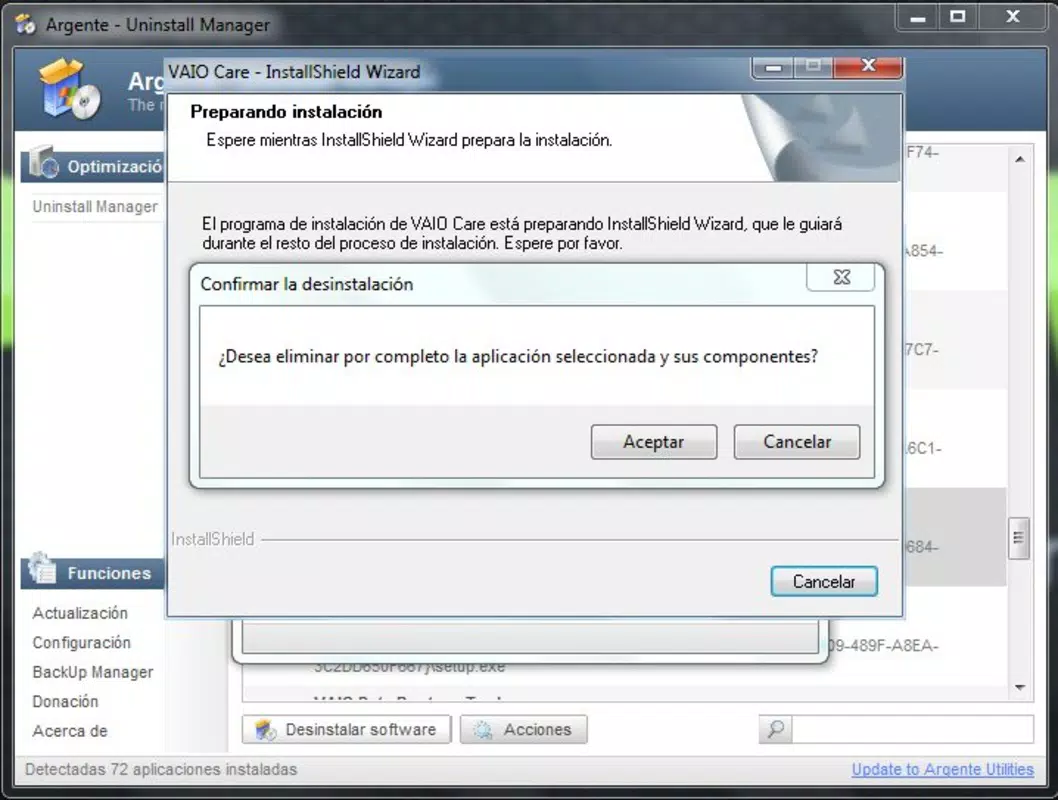
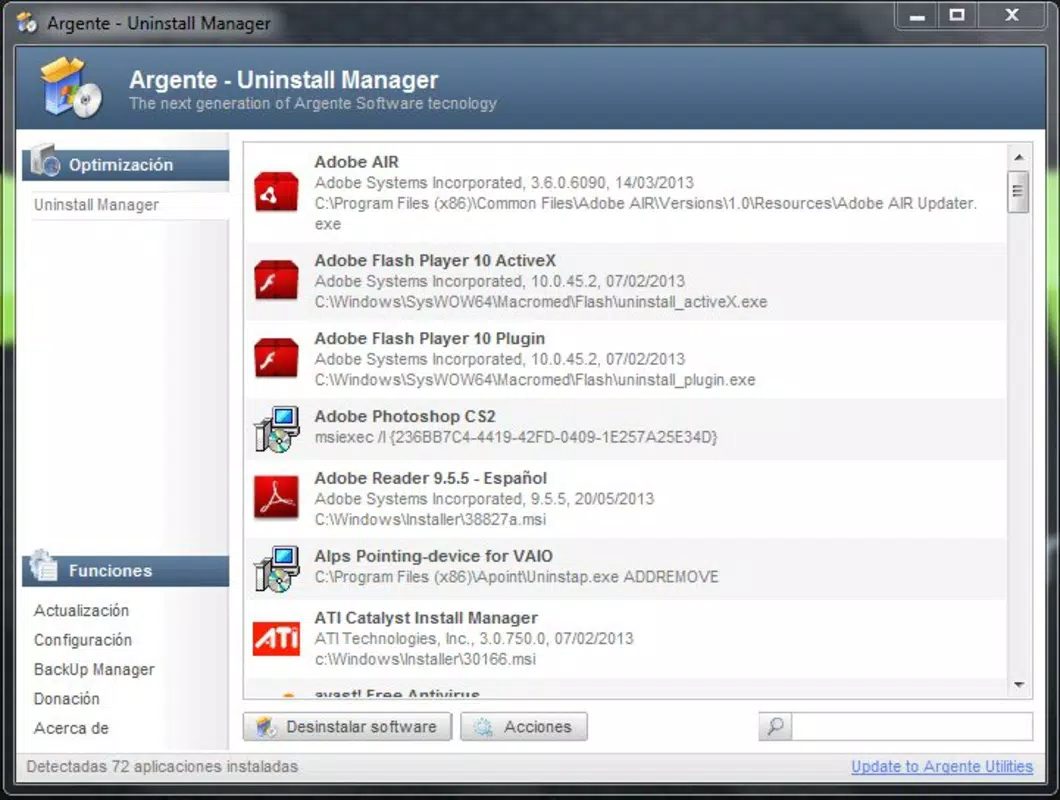
Argente Uninstall Manager delivers a suite of features tailored to advanced application management and system cleanup. The application’s advanced detection system scans all installed programs, uncovering hidden or poorly documented software that may be consuming system resources. This feature enables users to identify and remove programs they may not have been aware of, including potential security threats like spyware and adware. For users seeking a completely clean system, the complete uninstallation capability ensures that not only the main application files but also orphaned registry entries are removed, preventing residual data from cluttering the system. Another standout feature is the accurate display of installation dates for each program. This allows users to quickly pinpoint recently installed software that might be causing instability or performance issues. The user-friendly interface enhances usability with real icons for each application, improving visual recognition and simplifying the selection process. A powerful search function enables users to locate specific applications swiftly, even among a large list of installed programs. These features collectively support efficient system maintenance, helping users maintain optimal performance and free up valuable disk space. The tool is particularly effective in scenarios such as system optimization before selling a device or troubleshooting unexpected slowdowns.Real-World Use Cases
- Removing trial software that remains after expiration.
- Identifying and eliminating potentially unwanted programs (PUPs) affecting system speed.
- Preparing a PC for resale by ensuring all personal data and software are fully removed.
- Recovering disk space after installing multiple development tools or large applications.
- Resolving system instability caused by conflicting or outdated software.
Interface, UX & Performance
The interface of Argente Uninstall Manager is designed with clarity and functionality in mind. It presents a clean, organized layout that lists all installed applications with real icons, improving visual identification and user confidence during the selection process. Navigation is straightforward, allowing users to browse through the list, apply filters, and initiate uninstalls with minimal effort. The tool maintains a consistent and responsive design across different screen sizes and resolutions, ensuring usability on both desktop and high-DPI monitors. Performance is a key strength, with the application demonstrating efficient scanning and processing speeds during initial analysis and uninstallation tasks. Although the developer did not list formal performance metrics, the tool operates smoothly without significant lag or resource spikes during normal use. Stability is maintained across multiple sessions, with no reported crashes or freezes in standard operation. Responsiveness is consistent when interacting with the search function or managing large application lists. The app integrates seamlessly with the Windows environment, avoiding conflicts with other system utilities. Compatibility information was not fully disclosed, but the application functions reliably on standard Windows installations.Platform Compatibility & Technical Requirements
Argente Uninstall Manager is designed for the Windows operating system. It is compatible with modern Windows versions, though specific OS requirements were not listed by the developer. The application is available as a downloadable installer, and the file size is 11.2 MB. The software version is 2025.08.04, released on August 4, 2025. No information was provided regarding minimum system specifications, such as RAM, processor speed, or disk space requirements. The developer did not specify whether the app supports older Windows editions or alternative architectures. Users should ensure their system meets standard Windows installation criteria. The developer did not provide additional technical details.Pros and Cons
- Advanced detection of unwanted and potentially harmful software.
- Complete removal of applications, including registry remnants.
- Accurate display of installation dates for better decision-making.
- Intuitive interface with real icons for improved usability.
- Powerful search function for quick program location.
- Developer did not disclose minimum system requirements.
- Compatibility with older Windows versions was not confirmed.
- No built-in backup or restore feature for uninstallation actions.
- Not available for mobile platforms (Android or iOS).
- Limited information on update frequency or support channels.


